विवरण
This completely free, extremely light-weight plugin with explosive potential embeds ANY iCal (.ics) calendar into your WordPress site using the beautiful, time-tested FullCalendar library.
Nothing is hidden behind a “pro” upgrade. All features are free.
Works with any public ICS/iCal feed:
– Google Calendar
– iCloud
– Outlook
– Airbnb
– Pretty much anything that can output an ICS feed
Just add the new Hydrogen Calendar Embeds block, copy in your ical address(s), and BAM! a modern, responsive, beautiful calendar.
- Need two calendars in one? We got you.
- Need multiple different calendars on the page? Easy peasy.
- Prefer another color or style? We’ve got CSS classes for days.
- Need different functionality? It’s developer friendly, completely extendable, and infinitely customizable.
Highlights:
- Manage events using any external calendar of your choice
- Combine multiple ICS feeds into one calendar
- Embed multiple calendars on one page
- Lots of view options (Grid, Month List, Day List, Year List)
- Locale support
- Lots of customization options (and ability to add more)
- Lightweight and fast
- Responsive design
- Easy setup using WordPress Block or Shortcodes
- NO API KEYS REQUIRED
Contributing
Contributions are welcome! Please feel free to submit a Pull Request to the GitHub repository.
Support
For support, feature requests, or bug reports, please visit the GitHub repository.
You can also sponsor development at GitHub Sponsors.
स्क्रीनशॉट्स
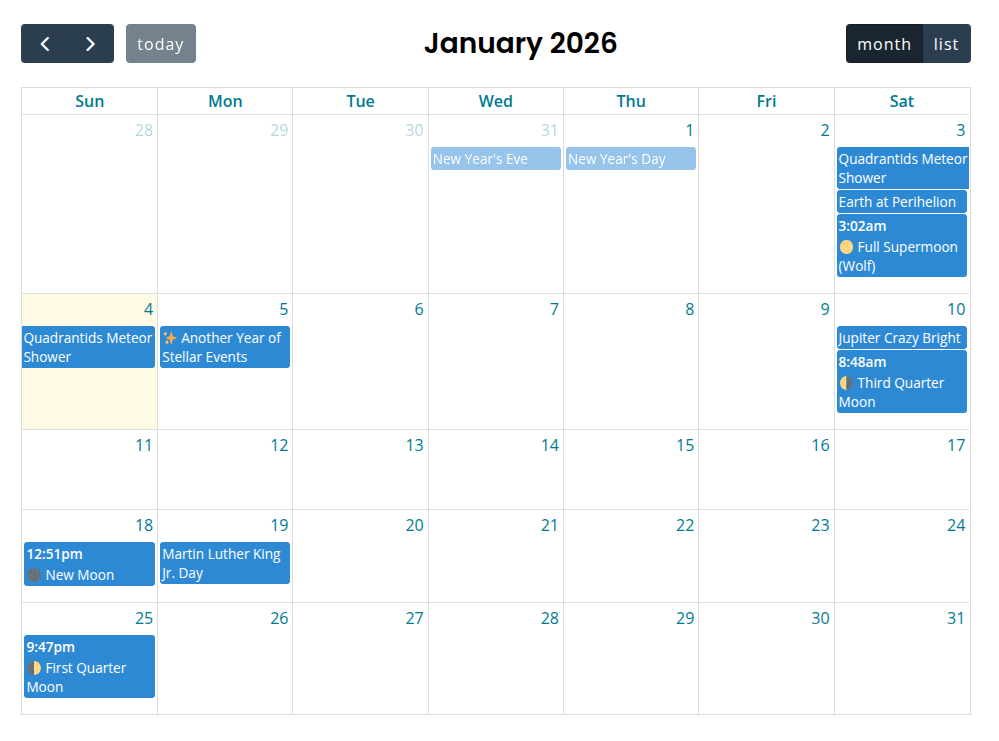
Hydrogen Calendar Embeds 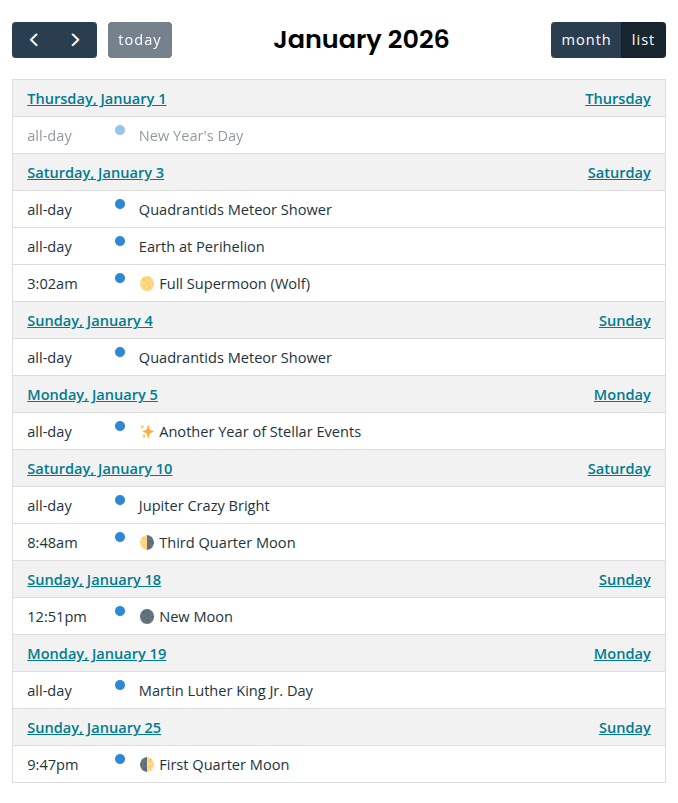
List View 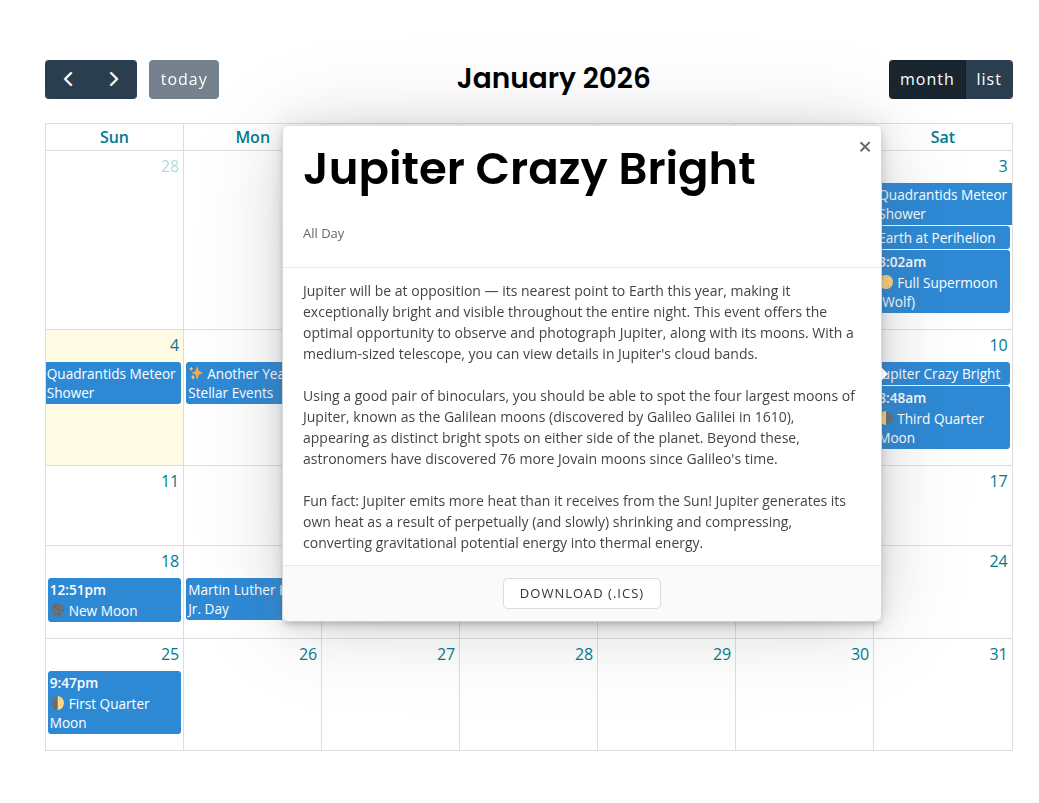
Optional Event Popover 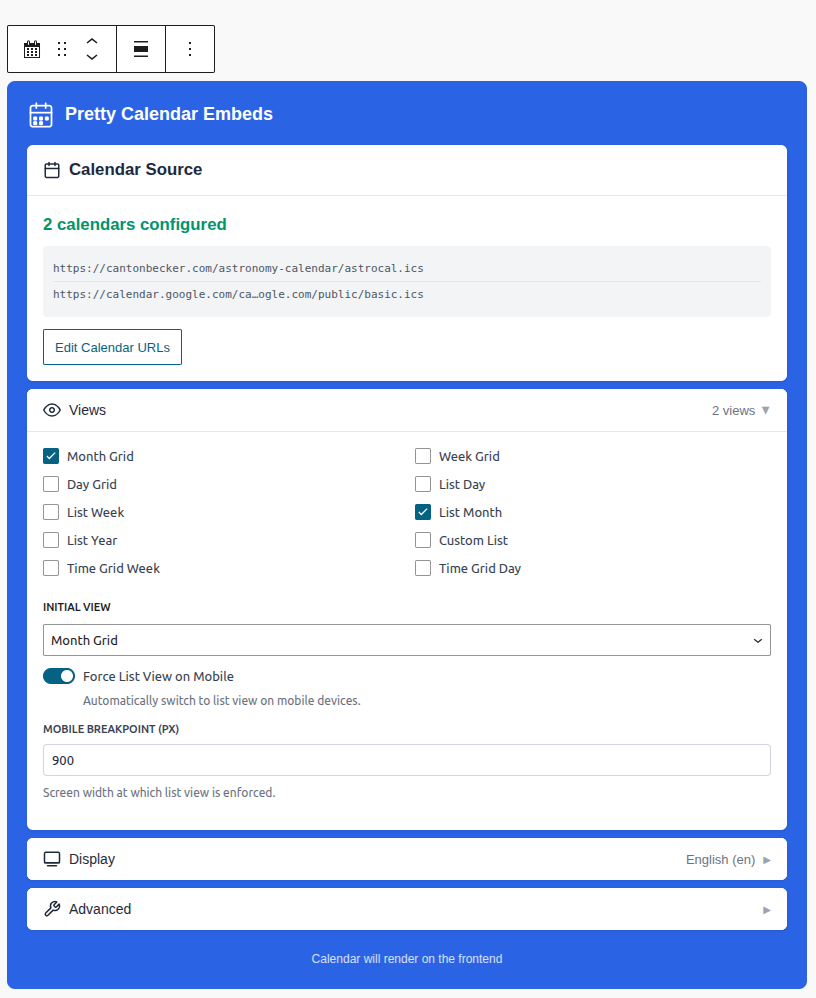
Block Editor – It’s that simple
ब्लॉकस
यह प्लगइन 1 ब्लॉक प्रदान करता है।
- Hydrogen Calendar Embeds Embed iCalendar (ICS) feeds and Google Calendars with a beautiful, responsive calendar interface.
इंस्टॉलेशन
- Upload the
hydrogen-calendar-embedsfolder to the/wp-content/plugins/directory. - Activate
Hydrogen Calendar Embedsthrough the ‘Plugins’ menu in WordPress dashboard. - Add the Hydrogen Calendar Embeds block to your page or post
- Or use the shortcode directly
Shortcode Options (also available via block settings UI)
(Migrating from Pretty Google Calendar? Just replace pretty_google_calendar with hydrogen_calendar_embeds, and swap gcal=id with ics=ics_url in your shortcodes. All other options remain the same.)
Shortcode format is:
[hydrogen_calendar_embeds ics="ICS_URL, ICS_URL, ..." other_option="value" ... ]
Where the options are:
ics="https://example.com/calendar.ics"
Public ICS/iCal feed URL(s). Works with any standard ICS feed: Google Calendar, iCloud, Outlook, Nextcloud, Teamup, corporate Exchange servers, and more. Multiple ICS feeds can be comma-separated. The plugin fetches the ICS data server-side to avoid CORS issues.
cal_ids="identifier,identifier"
Optional custom CSS identifiers for each calendar. Allows using meaningful names instead of numeric indexes for styling. Example: cal_ids="soccer,baseball" generates classes like .hycal-calendar-soccer and .hycal-calendar-baseball. Identifiers should be lowercase alphanumeric with hyphens.
Defaults to numeric indexes (0, 1, 2, etc.)
locale="en"
Sets the locale for calendar. Defaults to “en”.
views="dayGridMonth, listMonth"
Sets the view types available. If only one view is provided, no view switch buttons will be shown. Defaults to “dayGridMonth, listMonth”.
Available views: dayGridMonth (monthly grid), listDay, listWeek, listMonth, listYear (list views), and listCustom (custom duration list).
Tip: listCustom allows you to set the number of days you want to display from the current date. Whereas listMonth shows all events from this month (including past events), using views="dayGridMonth, listCustom" custom_days="28" will show the next 28 days across months.
custom_days="28"
Sets the number of days to show when using listCustom view. Defaults to “28”.
custom_list_button="list"
Sets the button label for the listCustom view. Defaults to “list”.
initial_view="dayGridMonth"
Sets the default view to be displayed when opening the page. Defaults to “dayGridMonth”. Note: If only one view is specified in “views”, “initial_view” will automatically be set to that view and does not need to be specified.
enforce_listview_on_mobile="true"
Sets the change to the list view behavior on small screens. Options: “true” and “false”. Defaults to “true”. This option has no effect if there is no list view declared in the “views” option.
mobile_breakpoint="768"
Sets the screen width (in pixels) at which the calendar switches to list view on mobile. Defaults to “768”. Only used when enforce_listview_on_mobile is enabled.
show_today_button="true"
Sets the visibility of the “Today” button. Options: “true” and “false”. Defaults to “true”.
show_title="true"
Sets the visibility of the calendar title. Options: “true” and “false”. Defaults to “true”.
hide_past="false"
Hides past events from the calendar completely. Options: true and false. Defaults to false. When set to true, events before today will not be displayed in any view.
instance_id=random
Sets the ID hash for a calendar. If you have multiple calendars on a page and need to style them, you can set this to a permanent code. Otherwise, it’ll randomly generate each load. (Note: this can only be alphanumeric.)
use_tooltip="true"
Migrating from global setting for individual calendar styling. Whether the floating tooltip for event pops up on click.
no_link="true"
Migrating from global setting for individual calendar styling. Whether to disable link to calendar.google.com on click.
fc_args = JSON string ((EXPERIMENTAL))
Allows you to override or implement just about any FullCalendar argument (with some exception). For example: fc_args='{"weekNumbers":"true", "eventTextColor":"red"}'
Workaround for square brackets: WordPress shortcode parsing breaks with square brackets []. To use square brackets in your JSON, use URL-encoded brackets:
– [ becomes %5B
– ] becomes %5D
Example: fc_args='{"eventSources":%5B"url"%5D}' will be converted to {"eventSources":["url"]}
Note: this is experimental – things may break.
सामान्य प्रश्न
-
What sorcery is this?!
-
Hydrogen Calendar Embeds implements the excellent Full Calendar for you, and tosses in a little Tippy.js and Popper to make things… well… pop.
-
Can I use this to manage a calendar?
-
No. All calendar events are maintained via your calendar source (Google Calendar, iCloud, Outlook, Airbnb, Clickup, etc.). This plugin just displays them beautifully.
-
How do I style multiple calendars?
-
Each calendar gets its own CSS selector:
hycal-event-#where the # is the order of the listed calendar (starting with 0). So if you have two calendars in one, you can usehycal-event-0to style the first, andhycal-event-1to style the second calendar.If you use the
cal_idsargument to set custom identifiers, those will be used instead of numeric indexes.For example, if you set
cal_ids="soccer,baseball", you can use.hycal-calendar-soccer-eventand.hycal-calendar-baseball-eventto style each calendar’s events specifically.Event pop-up tooltips also have calendar-specific classes:
hycal-calendar-0-event-popupfor easier styling of event pop-ups per calendar. -
How do I theme the calendar?
-
Add custom CSS to your theme to tweak to your desire.
-
Can this plugin do X, Y or Z?
-
Probably!
With the
fc_argsparameter, you can pass in any FullCalendar argument to customize your calendar. See the FullCalendar documentation for a full list of options: https://fullcalendar.io/docsContact me for requests for additional functionality, and let’s see what we can create together!
समीक्षाएं


सहायक &डेवलपर्स

Translate “Hydrogen Calendar Embeds” into your language.
Interested in development?
Browse the code, check out the SVN repository, or subscribe to the development log by RSS.
बदलाव विवरण
3.0.1
- Fixed issue with URL encoding in ICS feed proxy URL.
3.0.0
- Initial release.
2.2.0
- This plugin is an improved fork of the Pretty Google Calendar v2.2.0, which has been battle-tested for years. All Google Calendar API nonsense has been removed, and replaced with ICS feed fetching/parsing, making this plugin much more versatile!