

विवरण
Multilify keeps every translation inside the post it translates. There is no copy per language to keep in sync: one post, and an address for each language.
example.com/hello/is the originalexample.com/de/hallo/andexample.com/es/hola/are the same post in German and Spanish
What it does
- Unlimited languages, each with its own address prefix
- A slug of its own for every language, nested pages included
- hreflang tags with x-default, a
langattribute that follows the page, and a sitemap for each language - One Translations box on the post, in the block and the classic editor, with a title, slug and content for each language
- A language switcher as a shortcode,
[multilify_switcher], or a template tag - No outbound requests, no account and no pro tier
Learn more
- How it works
- Documentation: addresses, the switcher and the filters
- Moving over from WPML or Polylang
- Questions and answers
- Release notes
स्क्रीनशॉट्स
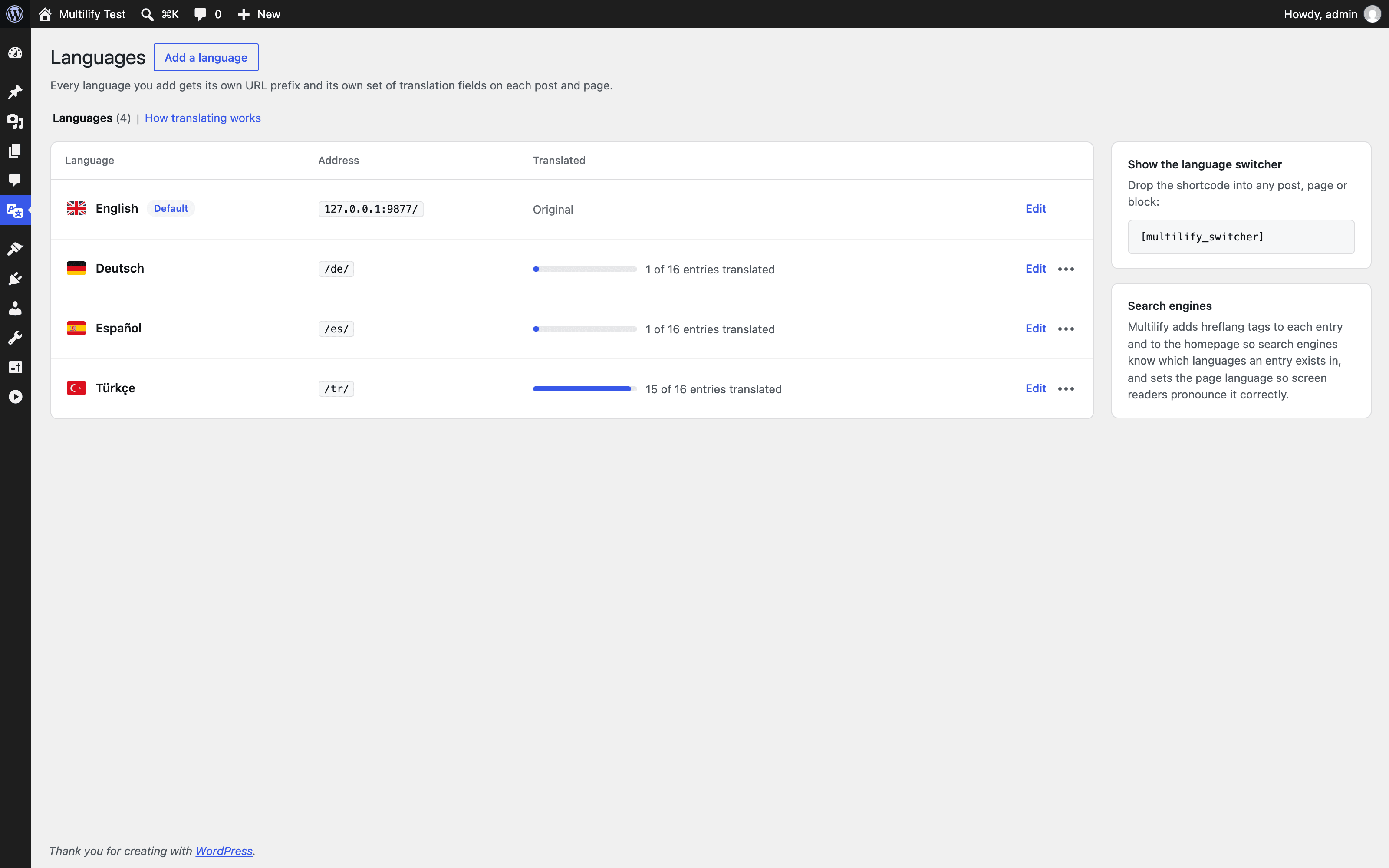

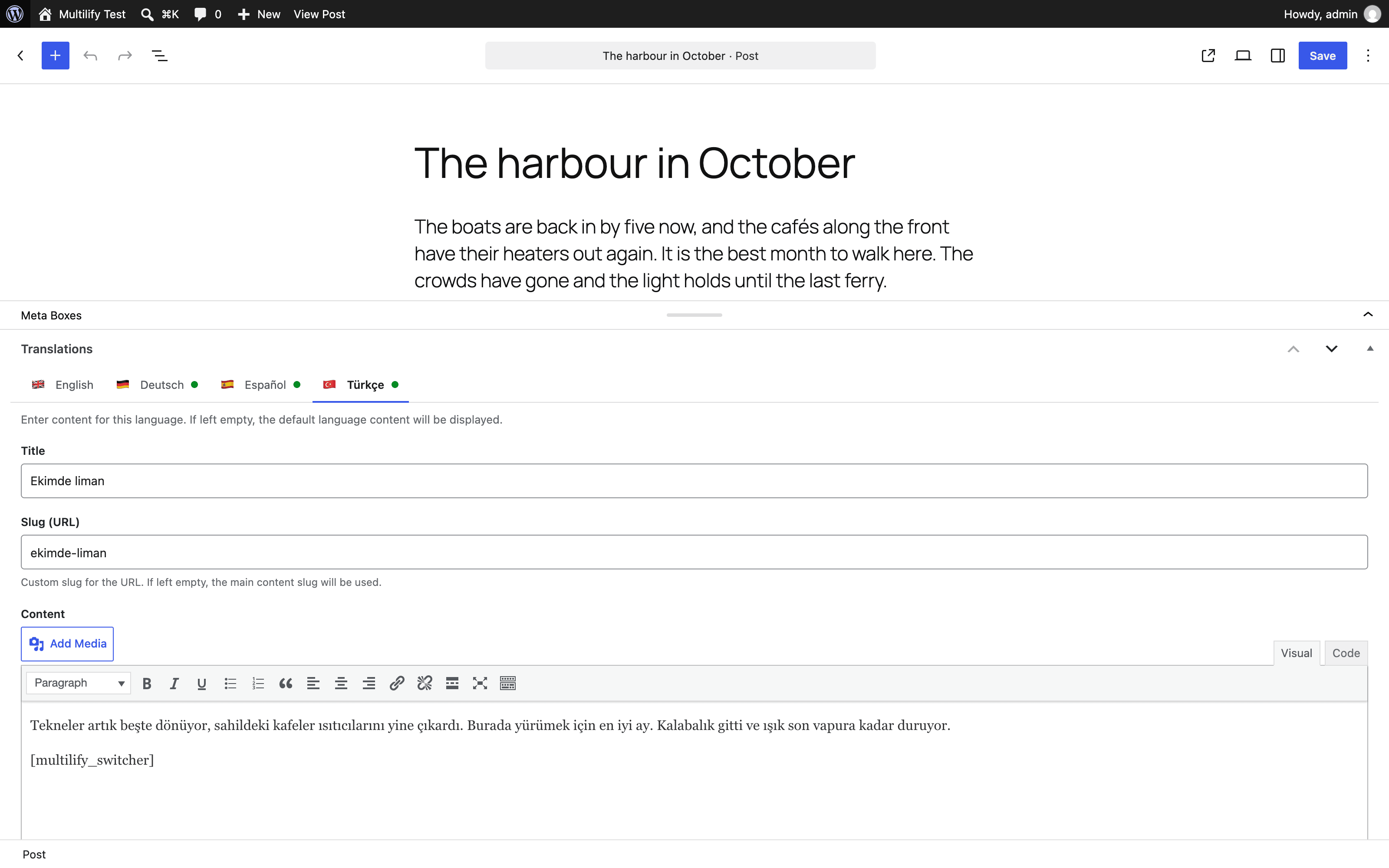
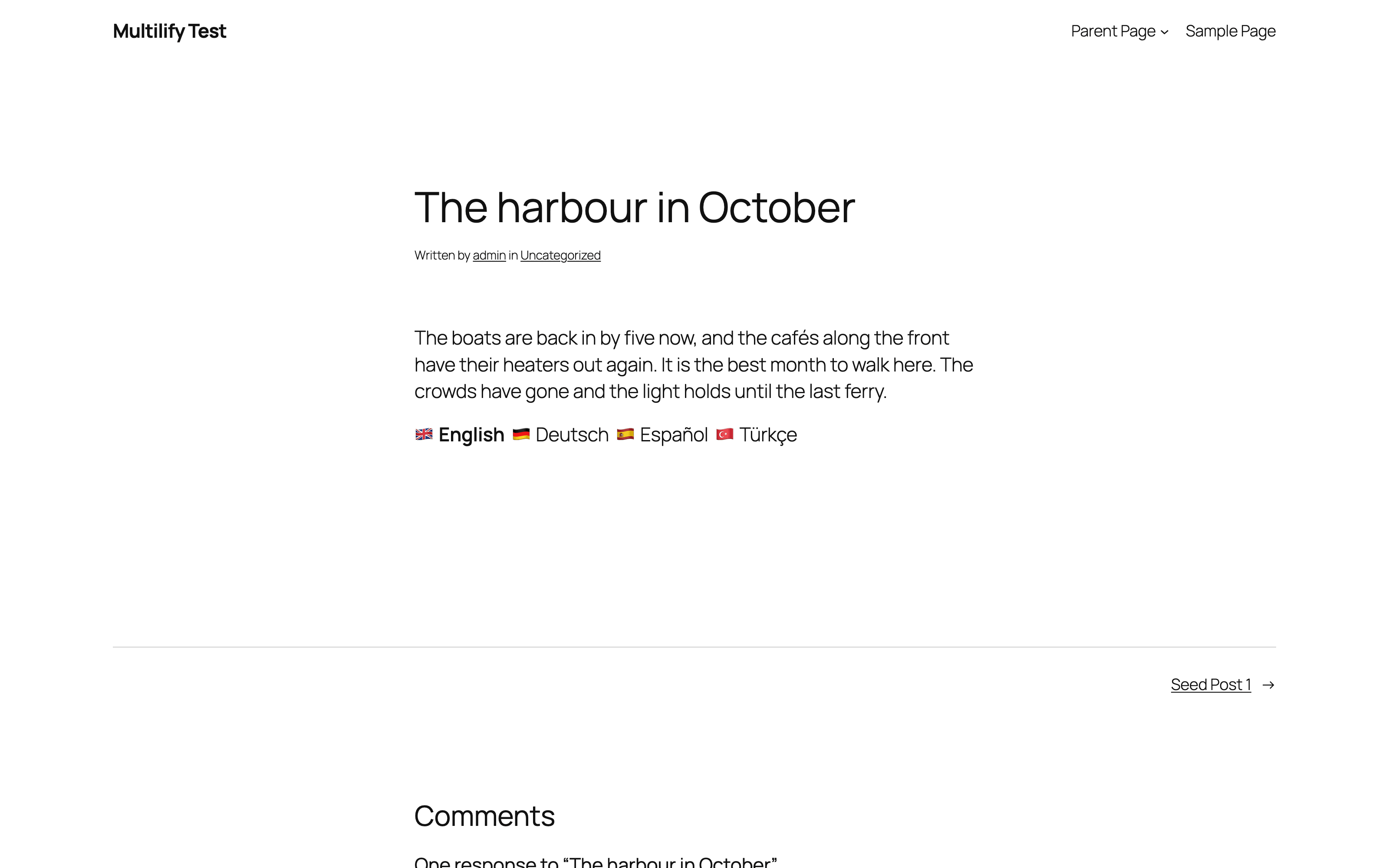
इंस्टॉलेशन
- Install Multilify from Plugins > Add New and activate it
- Open Multilify in the admin menu and add your languages
- Make the language your posts are written in the default, with Make default in its row’s menu. A new install starts with English
- Translate a post in its Translations box
- Put
[multilify_switcher]where the language switcher should appear
The documentation covers the rest.
सामान्य प्रश्न
-
Is it free?
-
Yes. There is no pro version and nothing to sign up for.
-
Does it work with page builders?
-
Multilify translates content that passes through
the_content, which covers the block editor and the classic editor. Builders that render from their own stored data, such as Elementor, are not translated. -
Where can I find more answers?
-
On multilify.com: addresses, search engines, caching, WooCommerce, multisite and more. For anything else, open a topic in the support forum.
समीक्षाएं
इस प्लगइन के लिए कोई समीक्षा नहीं है।
सहायक &डेवलपर्स

“Multilify” has been translated into 2 locales. Thank you to the translators for their contributions.
Translate “Multilify” into your language.
Interested in development?
Browse the code, check out the SVN repository, or subscribe to the development log by RSS.
बदलाव विवरण
1.8.1
Fixes
* The translation editors could open empty and take no typing when the block editor moved the Translations box while they were still starting. They are now rebuilt with their content, as they already were when the move came after they had started
1.8.0
Admin
* The Languages screen is redesigned: each language with its address and progress, an Add language button beside the title, and Make default and Delete in a menu on each row
* Adding a language opens a dialog that lists 32 languages to pick from or search, by their own name or the English one, and fills in the code, name and flag
* Editing a language opens a dialog with the same fields, and its Save button stays off until something changes
* A flag can belong to one language only
* The editor shows one Translations box with a tab for each language, in place of a box per language
* The guide to addresses, the switcher and search engines moved to its own tab, How translating works
Earlier versions are listed in the release notes.